


Creating a home office that is both comfortable and productive is essential for anyone working remotely or managing tasks from home. A well-designed workspace can reduce stress, improve focus, and increase overall job satisfaction. Whether you have a dedicated room or just a corner of your living space, there are practical steps you can take to create an environment that supports your work habits and well-being.
1. Choose the Right Location
Consider Lighting and Noise Levels
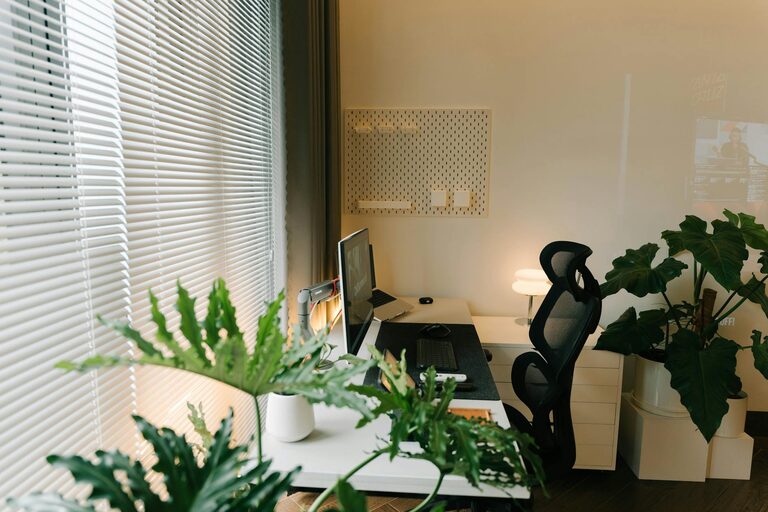
Start by selecting a quiet spot with minimal distractions. Natural light is ideal, so placing your desk near a window can help reduce eye strain and boost mood. If natural light is limited, invest in good-quality task lighting to keep the area bright and inviting.
Evaluate Space and Comfort
Make sure the area you pick has enough space for your desk, chair, and necessary equipment. It should feel comfortable but separate enough from other living spaces to help you mentally switch into work mode.
2. Invest in Ergonomic Furniture
Desk and Chair
A comfortable chair with lumbar support is crucial for long work sessions. Adjustable desks that allow you to alternate between sitting and standing positions can improve circulation and reduce fatigue.
Monitor Placement
Position your computer monitor at eye level to prevent neck and back strain. Use a monitor stand or stack books to adjust its height if needed.
3. Organize for Efficiency
Declutter Your Workspace
Keep your desktop tidy and only store essential items within arm’s reach. This reduces distractions and helps you focus on the task at hand.
Storage Solutions
Use shelves, drawers, or bins to organize papers, office supplies, and electronics. Labeling storage containers can save time searching for items.
4. Personalize Your Space
Add Plants
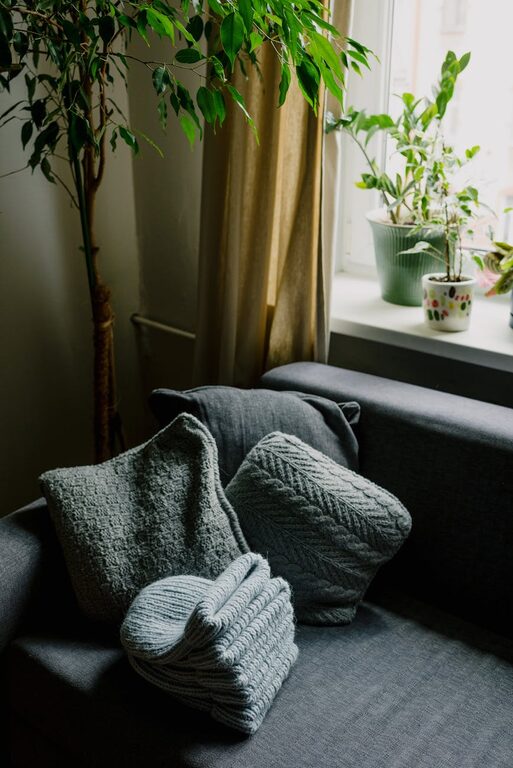
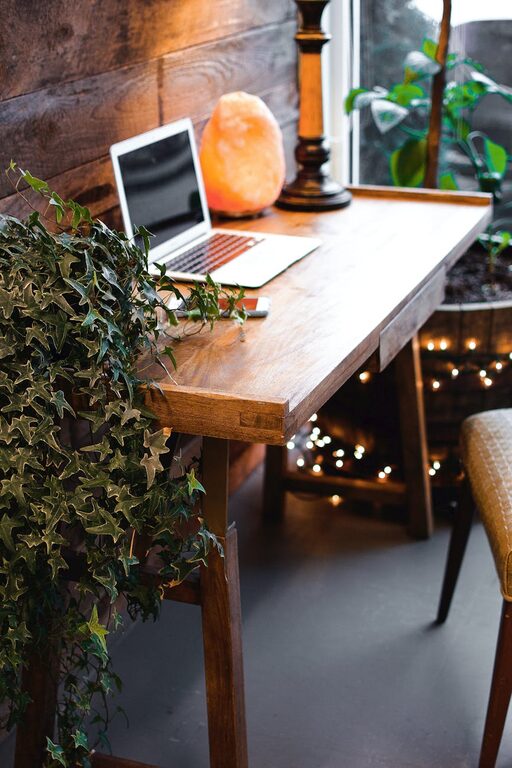
Indoor plants improve air quality and add a touch of nature, which can increase relaxation and creativity.
Decorate Mindfully
Incorporate artwork, photos, or colors that inspire you but avoid overwhelming the space with too many decorations. A balance between professionalism and personality works best.
5. Manage Technology Wisely
Reliable Internet and Equipment
Ensure your internet connection is stable and fast enough for your work needs. Choose quality equipment like keyboards, mice, and headsets to enhance comfort and performance.
Cable Management
Use clips, ties, or sleeves to keep cords organized and out of the way. A neat setup reduces stress and improves the overall look.
6. Establish a Routine
Set Boundaries
Define your work hours and stick to them. This helps separate your professional time from personal life, even in the same space.
Breaks and Movement
Take regular breaks to stretch, walk, or relax your eyes. Small movements throughout the day prevent stiffness and maintain energy levels.
7. Optimize for Your Work Style
Lighting Preferences
Some people prefer bright, cool lighting for focus; others find warm light relaxing. Experiment to see what helps you maintain concentration.
Sound Control
If silence is golden, noise-canceling headphones can block distractions. Alternatively, some work better with background music or ambient sounds.
Conclusion
Designing a home office that supports productivity and comfort involves thoughtful planning and attention to your personal needs. By choosing the right location, investing in ergonomic furniture, organizing efficiently, and adding personal touches, you create a workspace that makes working from home both enjoyable and effective. Remember to consider your technology setup and establish a routine to maintain a healthy work-life balance. With these tips, your home office can become a space you look forward to using every day.